How Do AI Receptionists Work? A Complete Business Guide
Discover how AI receptionists work, from speech recognition and conversational AI to appointment booking, lead capture, integrations, and human handoffs.
 Azfar hussain12 min read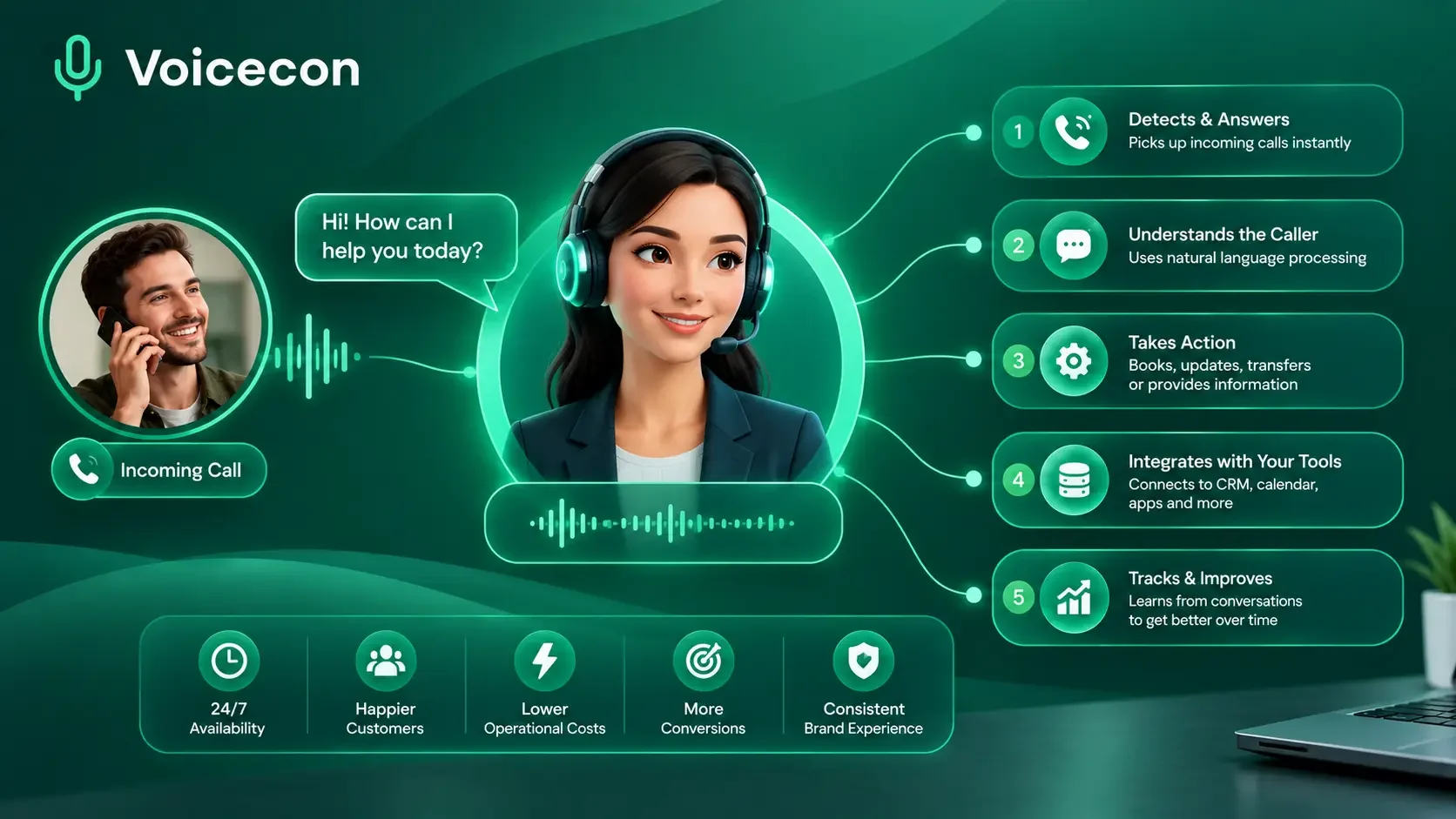
How do AI receptionists work, and how can they help businesses answer calls, book appointments, and capture more leads without requiring someone to pick up every phone call manually? An AI receptionist combines voice recognition, artificial intelligence, business information, and automated workflows to communicate with callers and complete routine tasks.
At Voicecon, we help businesses explore AI voice agents that do more than respond to questions. They can use business-specific information, interact with connected tools, and trigger workflows that keep teams informed after a call.
Understanding how AI receptionists work is important before choosing a solution. It helps you identify which calls to automate, what information your agent needs, where human support remains essential, and how to measure whether the technology is improving your operations.
What Is an AI Receptionist?
An AI receptionist is software that answers and manages phone conversations using artificial intelligence and voice technology. Depending on its configuration, it can greet callers, answer frequently asked questions, collect contact information, qualify enquiries, book appointments, transfer calls, and record messages.
Unlike a traditional phone menu that asks callers to press numbers to reach a department, a conversational AI receptionist can interpret natural speech and respond to follow-up questions.
For example, a caller might say, “I need to arrange a consultation next week, preferably in the afternoon.” The receptionist can identify the booking request, ask any necessary follow-up questions, check an available calendar if connected, and help the caller select a suitable time.
The important distinction is that an AI receptionist is not simply a talking chatbot. When properly configured and connected to the right systems, it can turn a conversation into an operational result.
How Do AI Receptionists Work Step by Step?
Most AI receptionist systems combine several technologies. The exact architecture varies by provider, but a typical call follows the process below.
1. The AI receptionist receives the call
The process starts when a customer calls a business phone number connected to the AI receptionist.
Depending on the setup, the business may use a dedicated number or forward its existing number to the AI service. Calls can be routed according to business hours, availability, department, or other configured rules.
The agent then greets the caller with an appropriate introduction and invites them to explain what they need.
2. Speech recognition converts the caller's words into text
The system uses speech recognition, also called automatic speech recognition (ASR), to interpret the caller's spoken words.
For example, when a customer says, “Can I book an appointment for Friday morning?”, the speech-recognition component converts the audio into text that the conversational system can process.
Accuracy can depend on background noise, call quality, accents, names, unusual terminology, and how clearly someone speaks. Good systems should be tested with the types of calls a business actually receives.
3. Artificial intelligence identifies the caller's intent
After processing the words, the AI considers the conversation and determines what the caller wants.
This is often called intent recognition. Common intents include:
Asking about services or pricing.
Booking or changing an appointment.
Requesting a callback.
Checking an order or existing enquiry.
Speaking with a particular department.
Making a complaint or reporting an urgent issue.
The system should also recognize when it needs more information. If a caller says, “I want to change my booking,” the receptionist may need to ask for a name, reference number, or preferred date before taking action.
4. The AI retrieves relevant business information
A general-purpose language model does not automatically know your current prices, opening hours, policies, service areas, or appointment availability.
To provide reliable answers, an AI receptionist needs access to approved business information. This may include FAQs, service descriptions, uploaded documents, pricing information, and connected databases.
Some systems use retrieval-augmented generation (RAG). In simple terms, this means the system searches relevant information and supplies it to the language model before generating a response.
The benefit is that the receptionist can answer using information specific to the business rather than relying solely on general knowledge.
At Voicecon, our platform supports knowledge bases containing business documents and information. Agents can use this material when responding to callers. The quality of those answers still depends on how accurate, complete, and current the supplied information is.
5. The system generates a response and speaks naturally
Once the system understands the request and has the relevant information, a language model helps formulate the response. Text-to-speech (TTS) technology then converts that response into spoken audio.
For example, the receptionist might respond:
“Certainly. I can help you arrange a consultation. Would you prefer Tuesday afternoon or Thursday morning?”
Modern voice systems can maintain conversational context, allowing callers to ask follow-up questions without restarting the entire interaction. Some also support interruptions, so a caller can clarify a point while the agent is speaking.
The goal is not merely to produce a natural-sounding voice. The response must also be relevant, accurate, and consistent with the business's rules.
6. The AI completes the requested action
This is one of the most important parts of understanding how AI receptionists work.
A receptionist that can only answer questions has limited operational value. A properly configured voice agent can also use connected tools to carry out tasks.
Depending on the system and its integrations, these actions may include:
Checking available appointment times.
Creating or updating a customer record.
Sending a confirmation message.
Transferring a call to a team member.
Retrieving an order status through an authorized system.
Sending a lead to a CRM.
Triggering a follow-up workflow.
For instance, an AI receptionist should not claim an appointment has been booked merely because it generated a confirmation sentence. The booking system must actually accept and save the appointment.
This is why integrations, permissions, error handling, and confirmation checks matter as much as the conversational AI itself.
7. The business receives a record of the call
After the conversation, the system may save a transcript, recording, summary, caller details, intent classification, and task outcome.
Configured workflows can then notify staff, update a CRM, or create a follow-up task.
At Voicecon, our platform supports call records, transcripts, summaries, analytics, and automated workflows that connect conversations with business applications. These features help teams review what happened and identify areas for improvement.
Businesses should establish appropriate access controls and retention policies for recordings and personal information.
What Can an AI Receptionist Actually Do?
The capabilities of an AI receptionist depend on its configuration, connected tools, and the tasks a business authorizes it to perform.
Business requirement | How an AI receptionist can help |
Answering incoming calls | Greets callers and responds to routine enquiries |
Lead qualification | Collects relevant details and asks predefined qualification questions |
Appointment scheduling | Checks connected calendar availability and books confirmed slots |
Customer support | Answers approved questions and routes more complex issues |
Message taking | Records the caller's request and contact details for follow-up |
Call routing | Transfers calls according to business rules |
Order enquiries | Retrieves order information when an authorized integration is available |
Follow-up automation | Sends information to a CRM or triggers a configured workflow |
These capabilities should not be assumed to be available automatically in every AI receptionist. A business may need to configure the relevant workflow, provide the correct data, and connect an appropriate system.
A Practical Example: An AI Receptionist Handling an Appointment Call
Consider a fictional home-services company that receives calls from customers requesting estimates.
A potential customer calls and says, “I'd like someone to inspect a leaking kitchen pipe.”
The AI receptionist could handle the interaction as follows:
Understand the request: Identify that the caller needs plumbing assistance.
Collect information: Ask for the customer's name, location, contact number, and a brief description of the problem.
Check business rules: Determine whether the address is within the company's service area and whether the enquiry fits its services.
Arrange the next step: If connected to a scheduling system, check available appointment slots and offer valid options.
Confirm the result: Complete the booking only after the connected system confirms it.
Notify the team: Create a CRM record or send a summary to the relevant staff member.
The company receives a structured enquiry instead of relying on someone to listen to a voicemail and manually enter the details.
This is an illustrative workflow, not a claim about a measured Voicecon customer result. The actual outcome depends on the company's setup, integrations, and operating rules.
How AI Receptionists Connect to Business Systems
An AI receptionist becomes more useful when it can work with the tools a business already uses.
Phone systems
A dedicated number or supported phone integration allows callers to reach the agent. Call-routing rules can determine when the AI answers and when calls go elsewhere.
Knowledge bases
Business documents and approved information help the receptionist answer questions about services, opening hours, policies, and other frequently requested details.
Calendars and booking tools
A supported calendar integration allows the agent to check availability and perform authorized booking actions. The configuration should prevent double-booking and respect business hours and appointment rules.
CRM platforms
A CRM integration can send caller details, lead qualification information, and conversation summaries to a customer record. This reduces manual data entry and helps sales teams follow up.
Workflow automation
Workflows can run during or after a conversation. For example, a completed call could trigger a staff notification, create a follow-up task, or send the call summary to a connected application.
Voicecon brings voice agents, knowledge bases, integrations, and no-code workflows together in one platform. You can explore the available capabilities on our product page.
What Are the Benefits and Limitations of AI Receptionists?
Benefits for businesses
More consistent call coverage. An appropriately configured AI receptionist can answer calls outside normal staffing hours and handle routine enquiries when employees are busy.
Reduced manual work. Automated information collection, call summaries, and connected workflows can reduce repetitive administrative tasks.
More organized lead handling. Qualification questions and structured records help teams understand why a prospect called and what should happen next.
Support for growing call volumes. Software-based call handling can accommodate multiple conversations according to the provider's technical capacity and plan limits.
More visibility into call activity. Transcripts, summaries, and analytics can help managers identify frequent questions, missed opportunities, and recurring issues.
Some Limitations to consider
AI receptionists are not 100% error-free. They may misunderstand a caller, struggle with noisy audio, produce an incorrect response, or encounter an integration failure.
They also cannot automatically access every business system or perform tasks for which they have not been given the necessary tools and permissions.
Sensitive, unusual, urgent, or emotionally complex situations may require a trained human. Businesses should define clear escalation rules and provide a reliable way to reach a person.
Finally, implementation involves privacy, security, recording, and communication-compliance considerations. Applicable rules vary by country, jurisdiction, and use case.
The best approach is to automate suitable, repeatable tasks while preserving human support for situations that require judgment or personal attention.
How to Choose and Test an AI Receptionist
Before adopting a solution, evaluate how it performs in your actual operating environment.
Use this checklist:
Test common enquiries: Ask about your services, pricing, opening hours, and policies.
Test realistic speech: Include different accents, background noise, interruptions, and callers who change their minds.
Test difficult questions: Check whether the agent admits uncertainty instead of inventing information.
Verify actions: Confirm that appointments, CRM updates, transfers, and messages actually complete.
Test escalation: Ask for a human and confirm that the call follows the intended route.
Review call records: Inspect transcripts and summaries for missing or incorrect details.
Check integrations: Verify compatibility with your existing phone system, calendar, and CRM.
Measure performance: Track successful call handling, booking completion, lead capture, escalation rates, and cost per completed task.
Where possible, establish a baseline using your existing call-handling process. This helps you compare the AI system against a meaningful operational reference instead of relying on a vendor's headline claims.
How Voicecon Helps Businesses Automate Calls
At Voicecon, we provide a platform for building AI voice agents that can answer and make calls, work with business-specific knowledge, use connected tools, and trigger automated workflows.
Our platform supports practical use cases such as customer support, lead qualification, appointment scheduling, and order-status enquiries. It also provides tools for testing agents and reviewing call records so teams can refine their setup.
You do not need to assume the technology will work perfectly for your business. You can test the agent, try realistic conversations, and assess how it handles the scenarios that matter to your team.
Try Voicecon free for seven days. Our website advertises a free trial with no credit card required, allowing you to explore the platform and test your AI voice agent before choosing a paid plan.
Start your free Voicecon trial
Frequently Asked Questions
How do AI receptionists work when a customer calls?
An AI receptionist receives the call, converts speech into information the AI can process, identifies the caller's request, retrieves relevant business information, and generates a spoken response. If configured with the right integrations, it can also book appointments, transfer calls, collect leads, or trigger workflows.
Can an AI receptionist understand natural conversations?
Yes, modern conversational voice agents can interpret natural speech, maintain context, and respond to follow-up questions. However, accuracy varies with audio quality, accents, phrasing, background noise, and system configuration.
Can an AI receptionist book appointments automatically?
It can when it has an appropriate scheduling integration, permission to make bookings, and correctly configured booking rules. A reliable implementation verifies that the appointment was actually saved before confirming it to the caller.
Can an AI receptionist transfer calls to a human?
Many systems support call transfers. Businesses should configure transfer destinations, escalation conditions, and fallback procedures for cases where the intended person is unavailable.
Does an AI receptionist work outside business hours?
It can, provided the phone routing, service availability, and system configuration support after-hours answering. Businesses should also specify how urgent enquiries and requests requiring a human are handled.
Is an AI receptionist better than a human receptionist?
Neither is universally better. AI can be useful for repeatable enquiries, call coverage, structured information collection, and workflow automation. Human receptionists remain valuable for judgment, empathy, complex situations, and exceptions. Many businesses benefit from combining the two.
How long does it take to set up an AI receptionist?
Setup time depends on the platform, phone configuration, business rules, knowledge base, and required integrations. A simple agent may be quicker to configure than a system that books appointments, updates multiple applications, and follows complex escalation rules. Test it before routing real customer calls.
Conclusion
Understanding how AI receptionists work helps businesses make better decisions about call automation. These systems combine voice recognition, conversational AI, business information, and connected tools to handle enquiries and complete selected tasks.
The greatest value comes from designing a dependable workflow, not simply choosing a realistic voice. Clear instructions, accurate business information, verified integrations, human escalation, and ongoing testing all contribute to better outcomes.
At Voicecon, we encourage businesses to test AI voice agents against their real call-handling needs. Start with our seven-day free trial, explore the platform, and evaluate whether an AI receptionist can help your team handle enquiries more consistently.
Keep reading
All articles →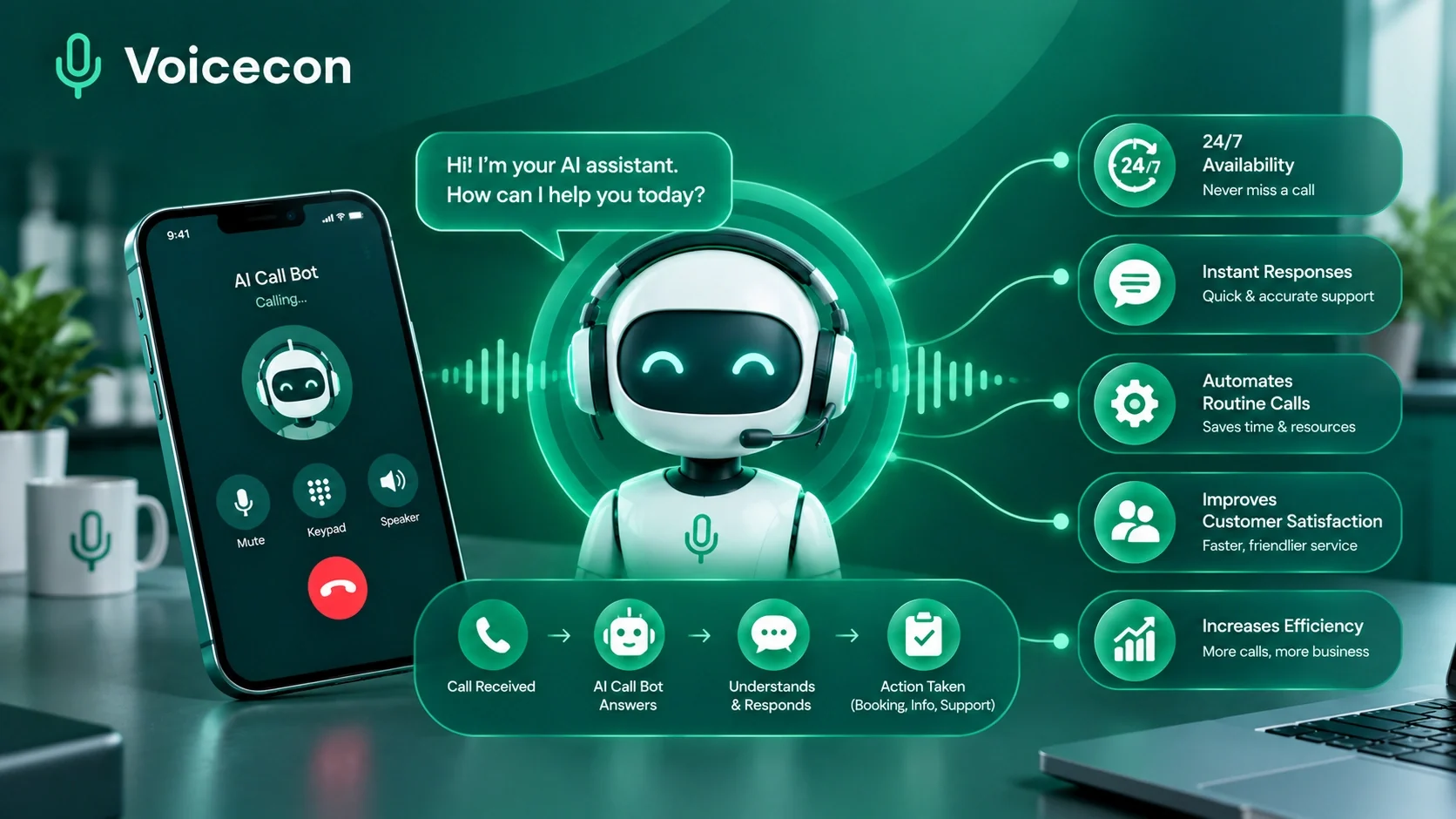 Guides
14 min read
AI Call Bot: How Businesses Can Automate Calls and Improve Customer Service
Find how an AI call bot can answer business calls, qualify leads, book appointments, and automate workflows. Try Voicecon free for 7 days.
Azfar hussain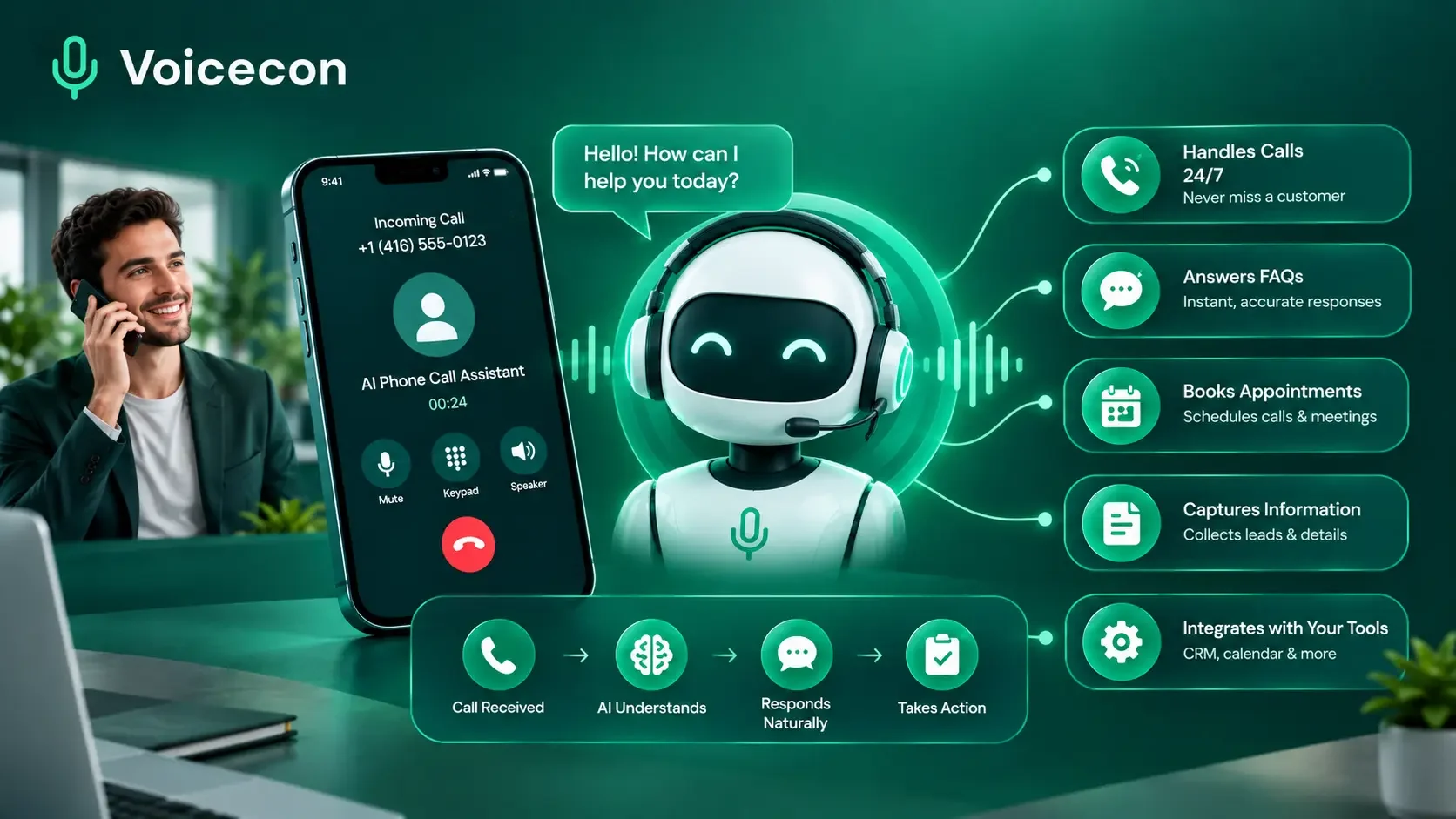 Guides
12 min read
AI Phone Call Assistant: How Businesses Can Automate Calls with Voicecon
Discover how an AI phone call assistant can answer enquiries, qualify leads, book appointments, and automate business workflows with Voicecon.
Azfar hussain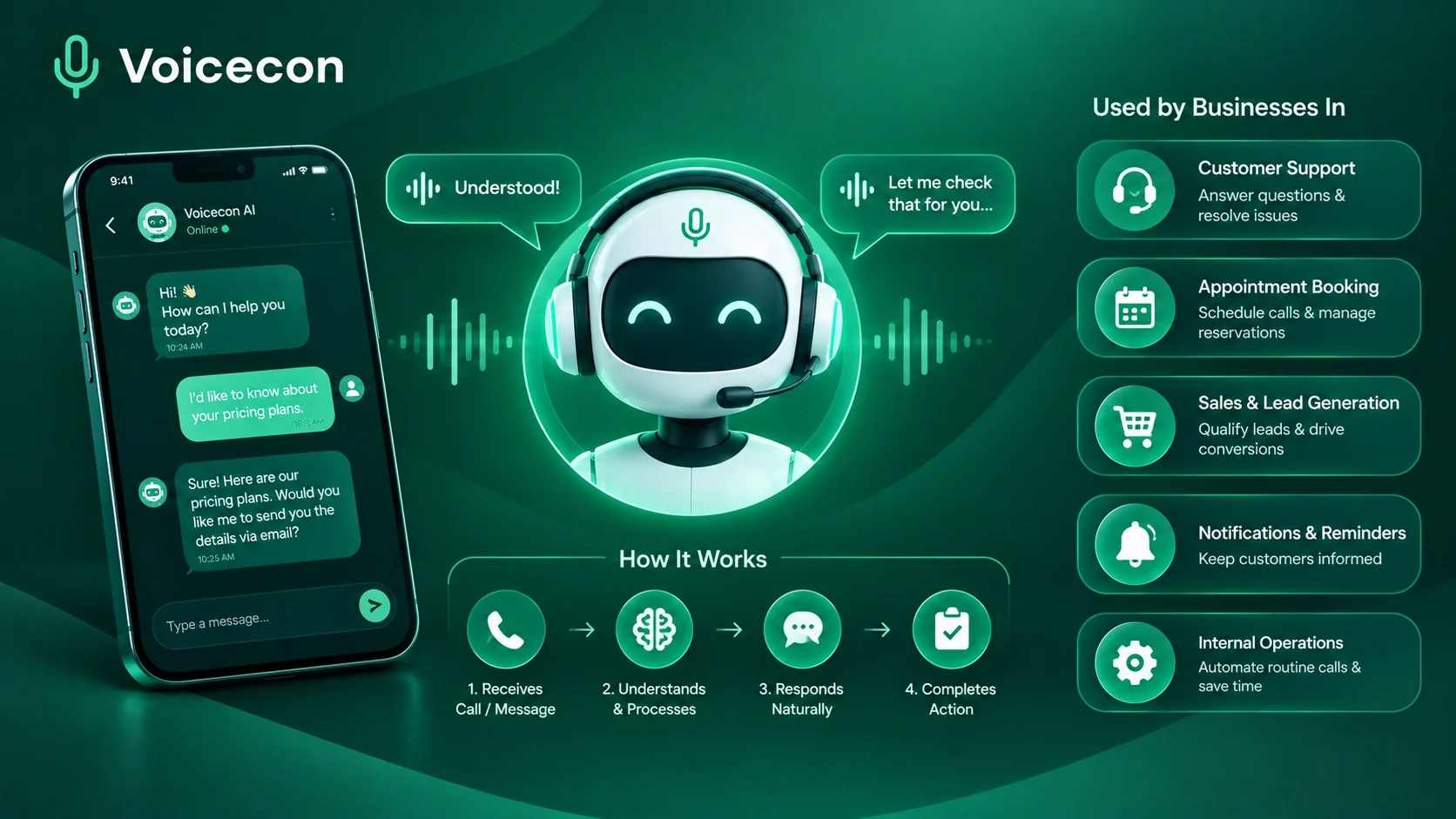 Guides
10 min read
Conversational AI Assistant: How It Works and How Businesses Use It
Discover how conversational AI assistants work, automate business calls, qualify leads, book appointments, and connect with your CRM using Voicecon AI.
Azfar hussain