AI Phone Call Assistant: How Businesses Can Automate Calls with Voicecon
Discover how an AI phone call assistant can answer enquiries, qualify leads, book appointments, and automate business workflows with Voicecon.
 Azfar hussain12 min read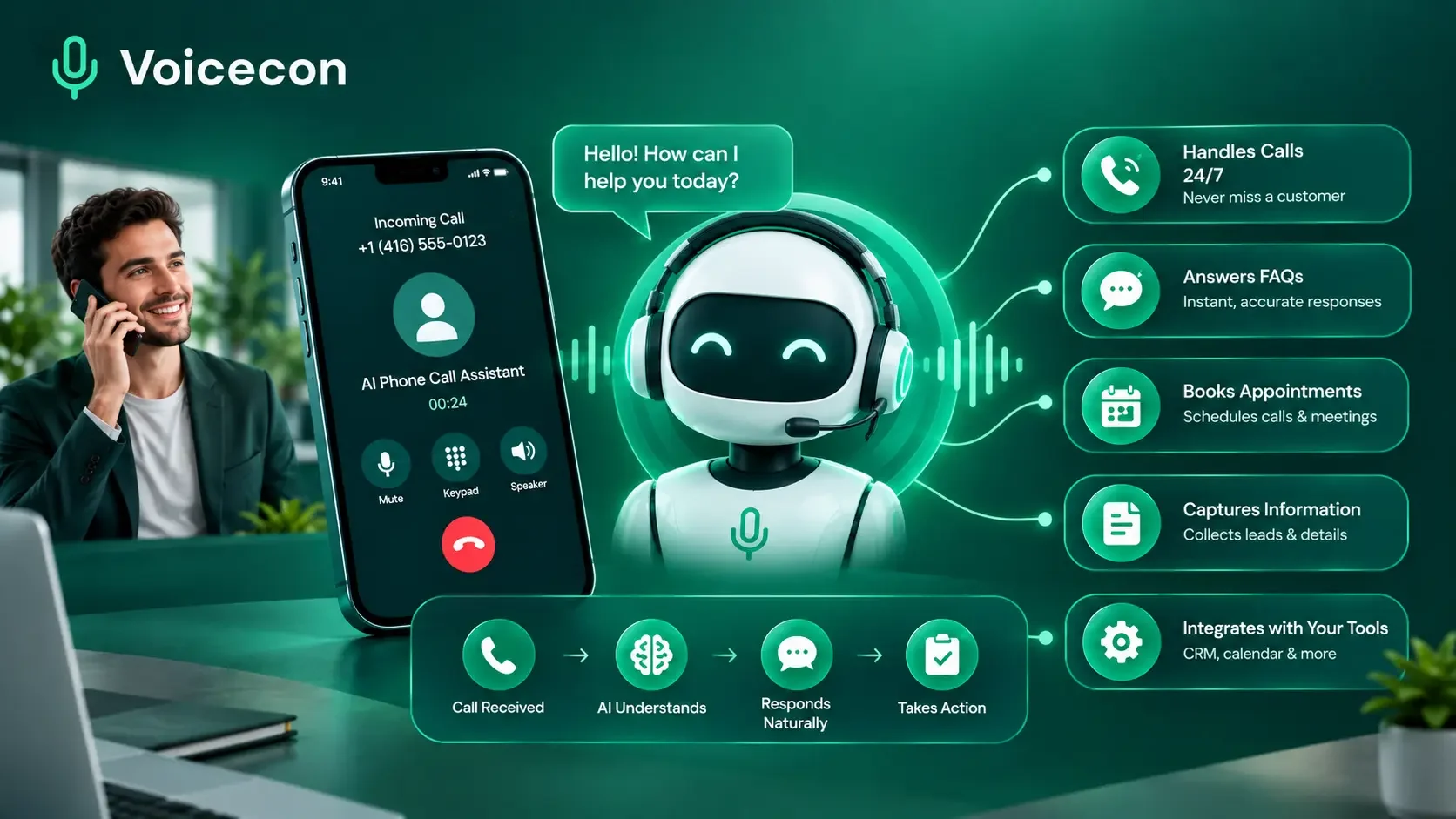
An AI phone call assistant helps businesses answer calls, respond to customer questions, qualify leads, and manage routine phone conversations without requiring a team member to handle every interaction manually. At Voicecon, we help businesses build AI voice agents that do more than talk: they can use business knowledge, perform configured actions during calls, and trigger workflows that keep teams and business systems updated.
For businesses that depend on incoming calls, the challenge is not simply answering the phone. It is making sure each conversation leads to the right outcome, whether that means capturing a sales enquiry, booking an appointment, answering a common question, or connecting a caller with the right person.
The right AI phone assistant can help make that process more consistent. The key is choosing a solution that fits your actual call volume, customer expectations, and operational requirements.
What Is an AI Phone Call Assistant?
An AI phone call assistant is software that uses conversational artificial intelligence to interact with people over the telephone. Depending on its configuration, it can understand a caller's request, respond using approved business information, ask follow-up questions, collect relevant details, and perform specific tasks.
Unlike a basic voicemail system, an AI phone assistant can hold a conversation. Unlike a traditional phone menu, it can respond to natural-language requests instead of relying exclusively on fixed options such as “press 1 for sales.”
Some tools focus on taking messages or transcribing calls. More capable AI voice agents can also perform actions, such as transferring calls, checking connected information sources, booking appointments, or triggering a workflow after a conversation.
How does an AI phone assistant work?
A typical AI-powered call follows this process:
The caller connects. The assistant answers through a configured business phone number.
The assistant understands the request. Speech recognition converts spoken words into information the system can process.
It responds using business context. A configured AI model and knowledge base help generate a relevant answer.
It takes an appropriate action. Depending on its permissions and integrations, it may collect information, transfer the call, check availability, or trigger a workflow.
The interaction is recorded and reviewed. Where enabled, call transcripts, summaries, and analytics help the business assess what happened and improve the experience.
The exact capabilities depend on the software, integrations, and workflow configuration. Businesses should test these steps with realistic calls before relying on the assistant in live operations.
AI phone assistant vs. IVR vs. virtual receptionist
These terms are related, but they do not always describe the same capability.
Solution | Main function | Best suited to |
Traditional IVR | Routes callers through predefined menus | Simple, predictable call routing |
Human receptionist | Handles conversations and exceptions personally | Relationship-driven or complex enquiries |
Basic AI answering service | Answers common questions or captures messages | Routine enquiries and overflow calls |
AI voice agent | Conducts conversations and can execute configured actions | Lead qualification, scheduling, support, and connected workflows |
An AI voice agent is not automatically better for every business. A simple IVR may be sufficient for straightforward routing, while sensitive or complicated conversations may still require a person.
Why Businesses Use an AI Phone Assistant
When a business receives calls while staff are busy, unavailable, or outside normal operating hours, enquiries can go unanswered. Even when every call is eventually returned, delays can create extra work and frustrate customers.
An AI phone assistant can help address several common problems.
1. Respond to calls outside business hours
Customers may need information after the office closes or when a team is occupied. A configured AI assistant can answer eligible calls, provide approved information, and collect details for follow-up.
This does not mean every enquiry should be handled without staff. Urgent issues, sensitive matters, and requests outside the assistant's permissions should follow a defined escalation process.
2. Capture and qualify sales leads
An AI phone assistant can ask callers about their needs, project requirements, preferred timing, or other qualification criteria selected by the business.
For example, a home services company could use its assistant to identify the requested service, confirm the caller's location, collect contact details, and send a summary to its sales team.
The value comes from collecting useful information consistently—not from asking every caller a long list of questions.
3. Handle repetitive customer questions
Businesses often answer the same questions about opening hours, service availability, delivery policies, appointment procedures, and product information.
An assistant connected to an accurate knowledge base can respond to supported enquiries without requiring employees to repeat the same information throughout the day.
The business must keep its source information current and test whether the assistant can distinguish between questions it can answer and those it should escalate.
4. Help schedule appointments
Appointment-driven businesses can configure phone agents to check connected calendars, offer available times, and confirm bookings when the required integration and permissions are in place.
This can be useful for salons, clinics, consultants, repair companies, and other businesses that manage appointments by phone.
A critical requirement is accuracy: the assistant should confirm a booking only after the scheduling system has successfully recorded it.
5. Connect calls with business workflows
A call should not become a dead end when the conversation finishes. Businesses may need a CRM record, an internal notification, a support ticket, or a follow-up task.
When connected to compatible systems, an AI voice agent can trigger configured workflows that carry information from the conversation into the tools a team already uses.
What Can an AI Phone Call Assistant Do?
The most useful capabilities depend on the business problem you want to solve.
Answer calls using your business information
A configured agent can use an approved knowledge base containing FAQs, service descriptions, policies, and other relevant documents. This gives the assistant a reference point for responding to customer questions.
Businesses should review those documents regularly, restrict access to appropriate information, and test answers against real customer questions.
Qualify inbound leads
Sales-oriented agents can ask structured questions and capture relevant details before passing the enquiry to a salesperson.
Useful information may include the caller's name, contact details, requested service, project requirements, and preferred next step. Only collect information that is necessary for the intended purpose.
Transfer callers to the right person
Some calls require human judgement, negotiation, reassurance, or specialist knowledge. A properly designed call flow should recognize these situations and offer an appropriate handoff.
Before deployment, test whether transfers reach the correct destination and whether the receiving team has enough context to continue the conversation.
Automate post-call follow-up
Where integrations are configured, the assistant can trigger actions such as creating a CRM contact, sending a call summary to a team channel, or recording an outcome in a connected system.
This is an important distinction between a tool that merely answers calls and a voice agent that supports a wider business process.
How to Choose the Right AI Phone Call Assistant
Before comparing software providers, define the job you need the assistant to perform. A system designed for appointment scheduling may not be the best fit for a sales team managing complex enquiries.
Use this checklist when evaluating options.
Evaluation factor | What to verify |
Conversation quality | Can it understand realistic callers, interruptions, and different speaking styles? |
Business knowledge | Can it use your approved documents and avoid inventing answers? |
Integrations | Can it connect to the CRM, calendar, help desk, or other systems you need? |
Call handling | Can it transfer callers and handle unsupported requests appropriately? |
Capacity | How many simultaneous calls can it handle under your plan? |
Pricing | What are the included minutes, overage rates, phone-number charges, and other costs? |
Monitoring | Are transcripts, summaries, outcomes, and usage metrics available? |
Privacy and compliance | How are recordings, personal data, consent, and retention handled? |
Setup and maintenance | Can your team adjust the knowledge base, prompts, and workflows as processes change? |
Calculate the likely cost before choosing a plan
Do not compare providers solely on their advertised monthly price. Estimate your expected call usage first.
For example, if your business handles 600 calls per month with an average duration of four minutes, expected usage is:
600 calls × 4 minutes = 2,400 call minutes per month.
This is an illustrative calculation, not a prediction of your actual usage. Your budget should also account for concurrency requirements, phone numbers, integrations, any premium model charges, and the cost of staff handling escalations.
Review the provider's current pricing and billing rules before committing.
How We Help Businesses with Voicecon AI Voice Agents
At Voicecon, we provide a platform for building AI voice agents that can answer and make phone calls, use business-specific knowledge, and connect conversations to configured workflows.
Our approach focuses on helping businesses connect the phone conversation with the work that follows it.
Build an AI Assistant Around Your Business
We let teams configure their agents, select supported models and voices, connect knowledge bases, and design visual call flows. Businesses can start from templates or create a configuration around their particular requirements.
This makes it possible to build a focused assistant for a defined job rather than attempting to automate every type of customer interaction at once.
Connect Conversations to Your Existing Tools
Voicecon supports integrations with systems including HubSpot, Pipedrive, Google Calendar, Slack, Zendesk, Zapier, and Make, alongside additional connected apps and API-based options.
The available actions depend on the integration and how the workflow is configured. Before deployment, confirm that the exact operation you need—such as creating a contact, checking availability, or notifying a colleague—is supported.
Review Calls and Improve Performance
Our platform provides call recordings, transcripts, summaries, sentiment information, and usage analytics. These can help teams identify misunderstandings, review unsuccessful calls, and improve the agent's instructions.
We recommend reviewing real-world performance rather than assuming an assistant will work perfectly after its initial setup.
A practical example: From phone enquiry to qualified lead
Imagine a marketing agency receiving calls from businesses interested in its services.
The AI phone assistant could:
Answer the call and ask what service the caller needs.
Collect relevant qualification details.
Answer supported questions using the agency's approved information.
Transfer the caller if the request requires a salesperson.
Create or update a CRM contact through a configured integration.
Send the team a summary and the agreed follow-up details.
This is an illustrative workflow, not a claim about results achieved by a Voicecon customer. The precise actions must be configured and tested against the agency's systems.
If you want to explore how this approach could fit your business, you can review Voicecon's AI voice agent platform and pricing information.
How to Implement an AI Phone Assistant Successfully
A successful implementation starts with a clear operational goal.
Step 1: Select one high-value use case
Choose a task that happens frequently and has a clear definition of success. Examples include answering routine enquiries, capturing inbound leads, or booking appointments.
Avoid starting with complex, high-risk conversations that require extensive human judgement.
Step 2: Prepare your business knowledge
Gather accurate FAQs, service descriptions, policies, pricing information where appropriate, and escalation instructions.
Remove outdated information and establish which questions the assistant must decline or pass to a person.
Step 3: Design the conversation
Define the greeting, questions, acceptable responses, decision points, transfer conditions, and call-ending behavior.
Keep the conversation focused. Callers should not need to answer unnecessary questions to achieve their goal.
Step 4: Connect and test the required systems
Verify the phone number, integrations, scheduling permissions, CRM actions, and workflow triggers.
Test both successful and failed scenarios. For example, what happens if the calendar is unavailable or the CRM rejects a new record?
Step 5: Test with realistic calls
Include different accents, background noise, interruptions, ambiguous questions, and requests outside the agent's scope.
Check factual accuracy, response timing, successful task completion, and the quality of human transfers.
Step 6: Monitor and refine
Track completed calls, qualified leads, successful bookings, transfer outcomes, unresolved requests, and cost per successful outcome.
Use these findings to improve prompts, knowledge sources, workflows, and escalation rules.
Common Limitations and Compliance Considerations
An AI phone call assistant can improve consistency, but it is not a replacement for every human conversation.
Incorrect or incomplete answers: An assistant may misunderstand a caller or use incomplete source information. Limit its scope, test its responses, and provide a clear escalation path.
Integration failures: A conversation can sound successful even when a downstream booking or CRM update fails. Verify the result before confirming that an action is complete.
Complex or sensitive enquiries: Complaints, emergencies, disputes, and matters requiring professional judgement may need human involvement. Define the boundaries before launch.
Privacy and call recording: Establish a clear policy for personal information, recording, retention, access, and deletion. Requirements depend on the jurisdiction, the nature of the call, and the data being processed.
Outbound calling compliance: In the United States, the FCC has confirmed that TCPA restrictions on artificial or prerecorded voices extend to AI-generated voices in covered calls. The FTC's Telemarketing Sales Rule also imposes requirements on covered telemarketing activities. Review the applicable rules before launching automated outbound campaigns.
Official references:
Businesses operating in the UK, Australia, or UAE should separately verify the applicable privacy, recording, consumer-protection, and telecommunications requirements. This article is general information, not legal advice.
Frequently Asked Questions
What is the main purpose of an AI phone call assistant?
Its purpose is to handle supported phone interactions automatically. Depending on the configuration, it can answer questions, capture information, qualify leads, book appointments, route calls, and trigger follow-up workflows.
Can an AI phone assistant book appointments?
Yes, when the solution supports the required calendar integration and the workflow is correctly configured. Test availability checks, booking confirmation, time zones, cancellations, and failure handling before deployment.
Can an AI phone assistant transfer calls to a human?
Many AI voice-agent platforms support call transfers. Businesses should verify that the destination, transfer behavior, and context passed to staff work correctly in their specific configuration.
How much does an AI phone call assistant cost?
Costs vary by provider, subscription, usage, and capabilities. Compare included minutes, overage charges, phone-number fees, concurrency limits, premium model charges, and integration requirements rather than relying on the base price alone.
Is an AI phone assistant suitable for a small business?
It can be, particularly when a small team receives recurring calls but has limited time to answer them. Start with one clearly defined use case and measure whether the assistant improves completion rates or reduces manual work.
What should I check before using an AI phone assistant?
Test its answers, integrations, call transfers, privacy controls, capacity, billing, and failure handling. Confirm that the system can reliably complete the tasks you intend to automate.
Get Started with an AI Phone Call Assistant
An AI phone call assistant is most useful when it helps a business achieve a concrete outcome—not merely when it answers a call with a natural-sounding voice.
At Voicecon, we help businesses build AI voice agents that connect conversations with business knowledge, phone actions, integrations, and automated workflows.
If you want to explore what phone automation could look like for your team, visit Voicecon, review the available capabilities, and start with the free trial to test an agent before committing to a paid plan.
Keep reading
All articles →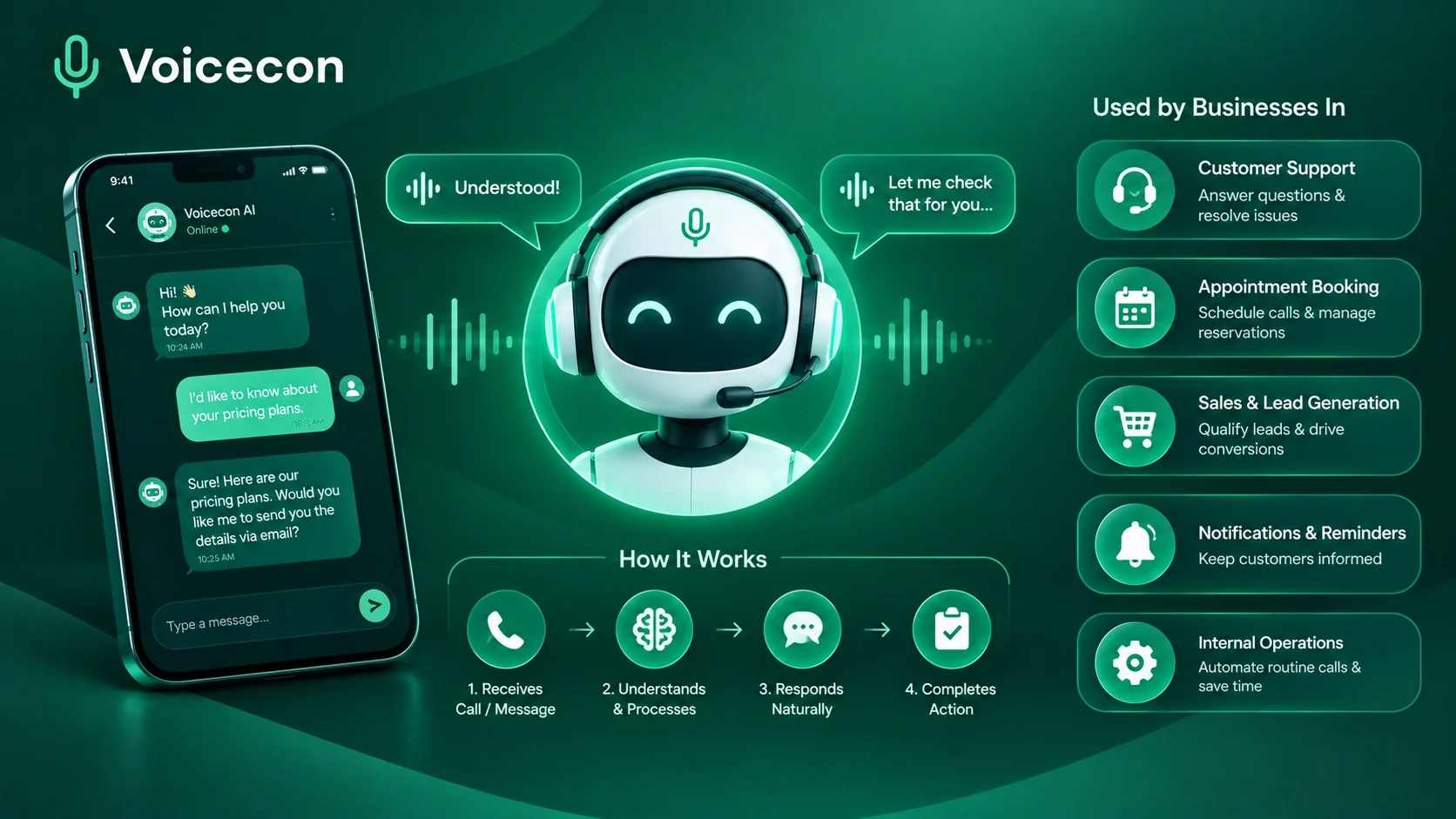 Guides
10 min read
Conversational AI Assistant: How It Works and How Businesses Use It
Discover how conversational AI assistants work, automate business calls, qualify leads, book appointments, and connect with your CRM using Voicecon AI.
Azfar hussain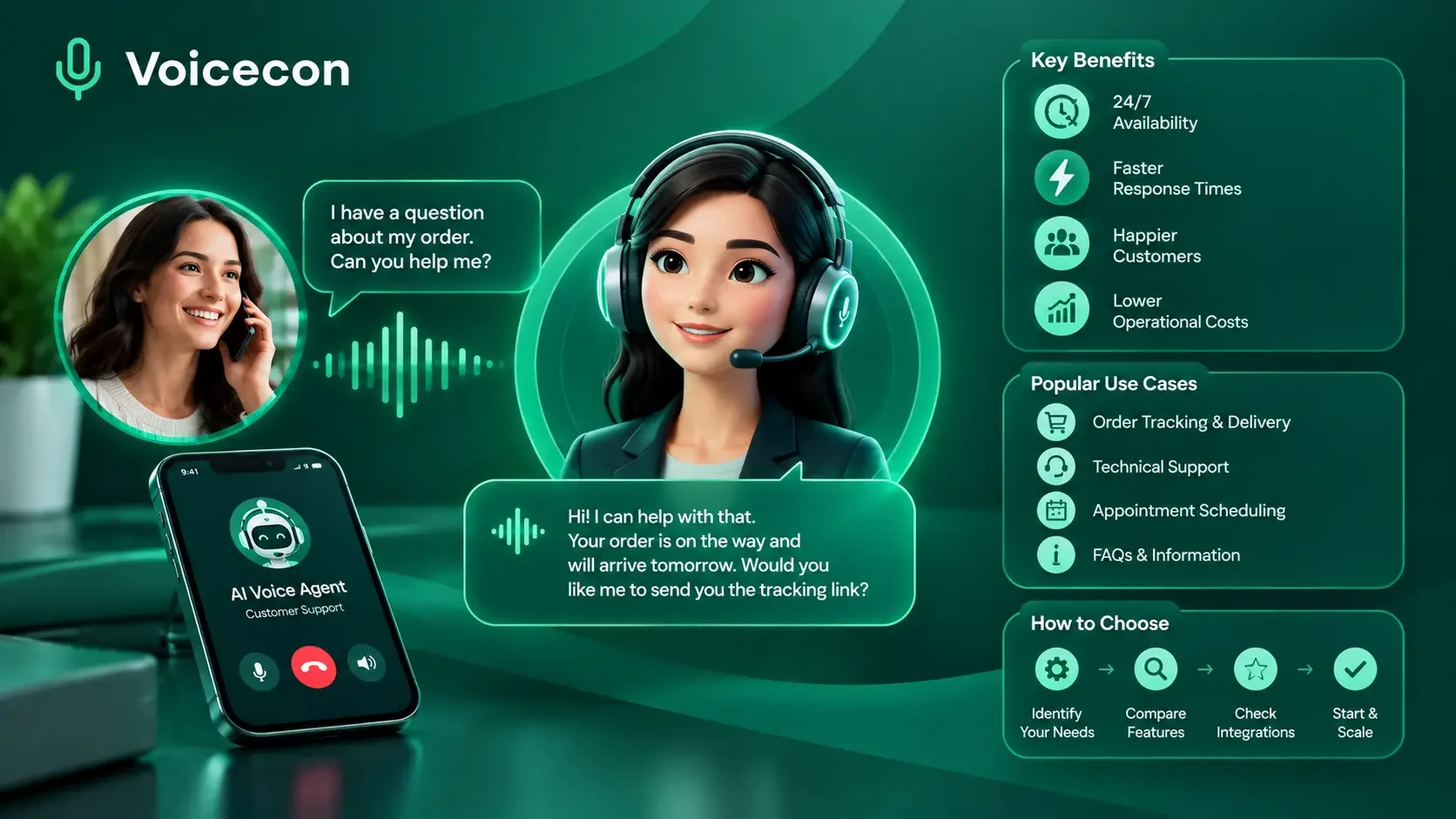 Guides
13 min read
AI Voice Agents for Customer Service: Benefits, Use Cases, and How to Choose
Discover how AI voice agents for customer service answer calls, automate support tasks, connect with CRMs, and hand complex issues to human agents. Try Voicecon AI Agents free for 7 days.
Azfar hussain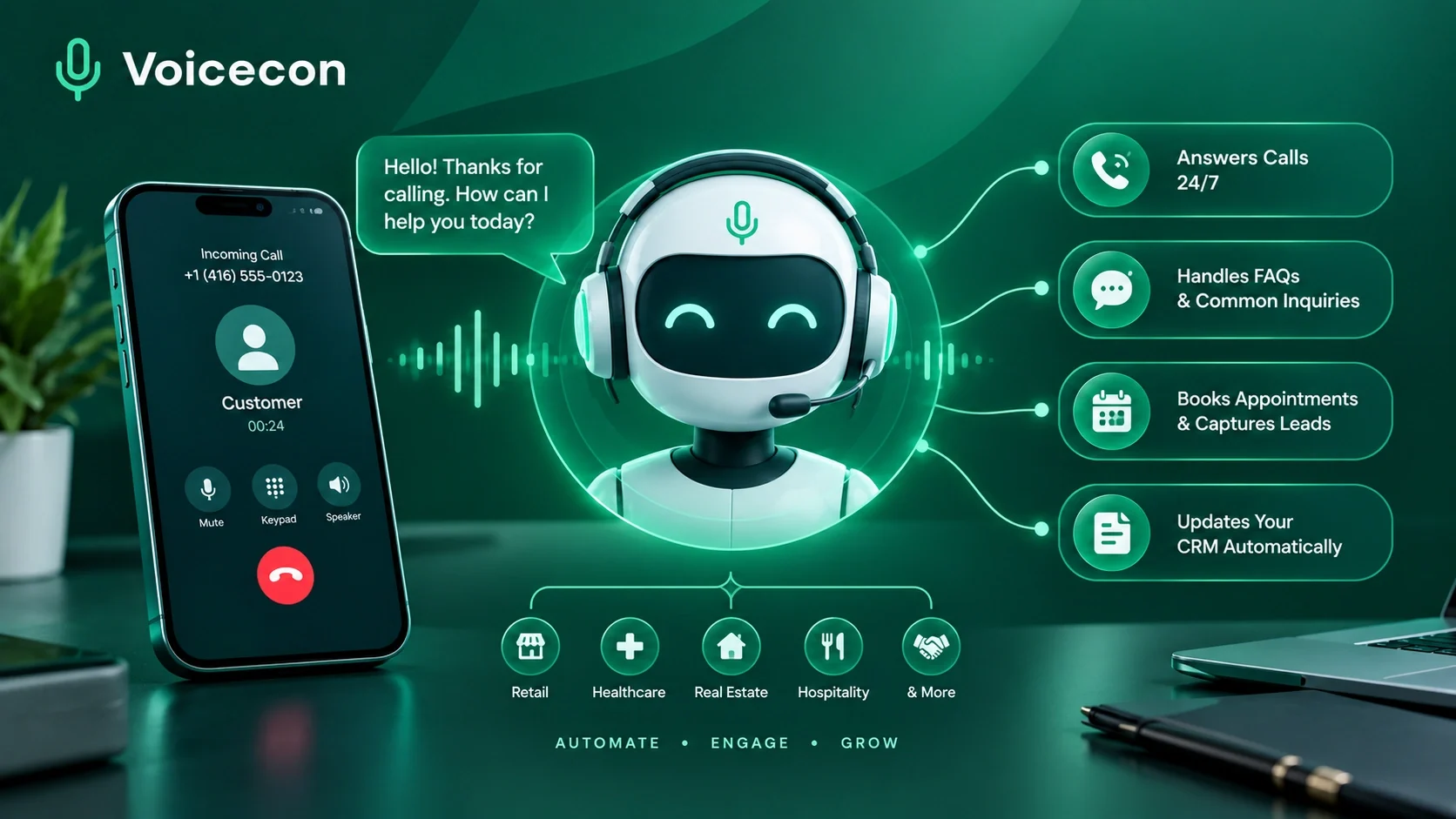 Guides
13 min read
AI Answering Service: How Businesses Can Automate Calls with Voicecon AI
Never miss a customer call again with our AI answering services. Voice On AI answers your phone, chats with leads, handles routine tasks, and keeps your team in the loop.
Azfar hussain