Conversational AI Assistant: How It Works and How Businesses Use It
Discover how conversational AI assistants work, automate business calls, qualify leads, book appointments, and connect with your CRM using Voicecon AI.
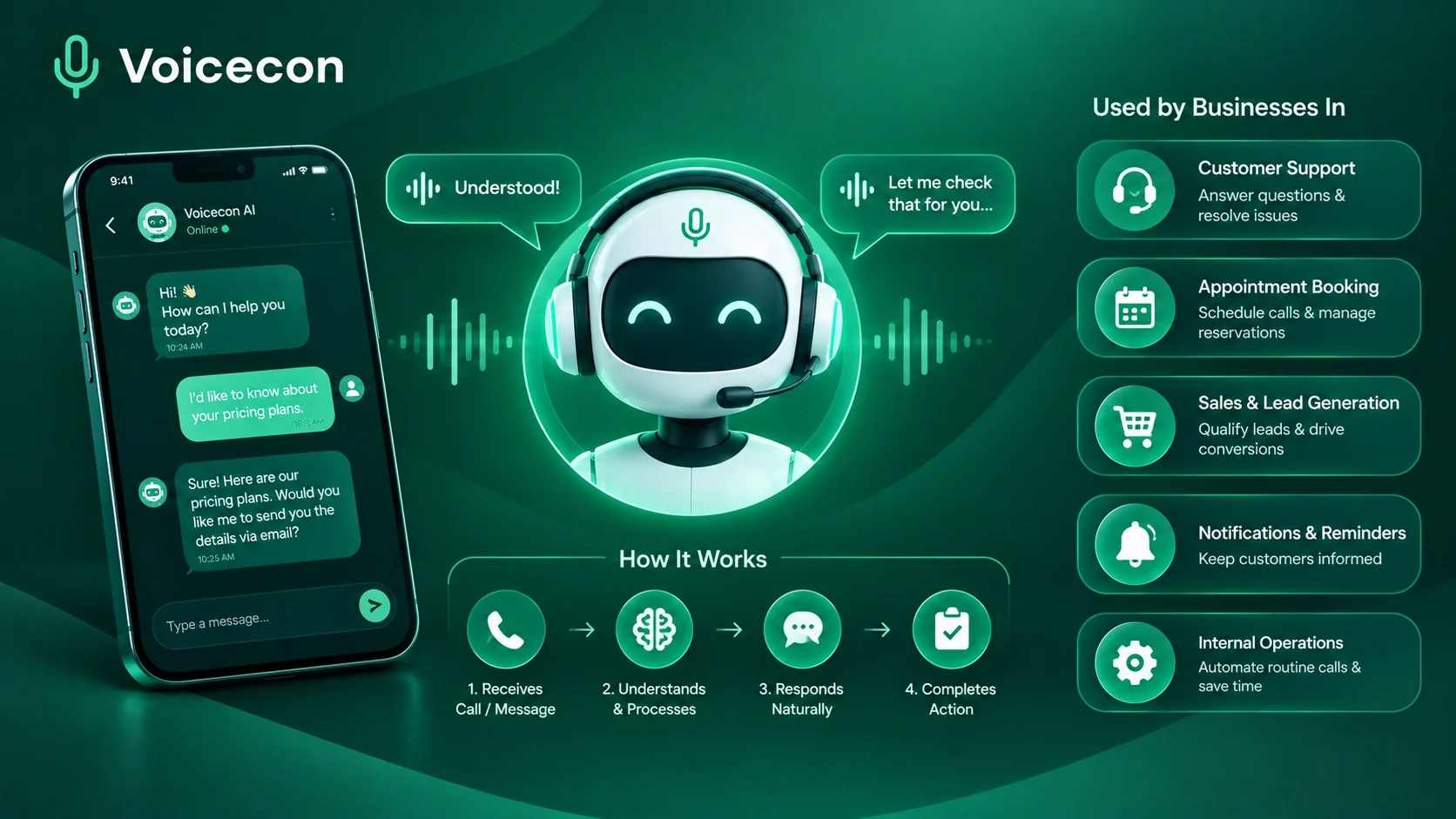
A conversational AI assistant can help businesses handle customer questions, qualify leads, book appointments, and automate routine tasks through natural conversations instead of rigid scripts. For companies that receive regular phone calls, the real opportunity is not simply answering questions faster; it is connecting conversations to the systems and workflows that keep the business running.
At Voicecon AI, we focus on voice agents that can interact with callers, use business-specific knowledge, and trigger actions in connected applications. This guide explains the technology behind conversational AI, its business applications, the challenges to consider, and how to evaluate a solution before putting it into production.
What Is a Conversational AI Assistant?
A conversational AI assistant is software that uses artificial intelligence to understand natural-language requests and respond in a contextually relevant way. Depending on its design, it can communicate through text, speech, or both.
Unlike a traditional rule-based chatbot that follows a limited set of predefined paths, an AI-powered assistant can interpret different ways of asking a question, retain relevant context, and use connected tools to complete specific tasks.
For example, a customer might say, “I need to move my appointment to Friday afternoon.” A capable assistant must understand the request, identify the relevant booking, check available times, confirm the customer's choice, and update the scheduling system. Generating a convincing sentence is only one part of the job.
A well-designed assistant may combine:
Natural language understanding to interpret requests.
A language model to reason about the conversation and formulate responses.
A knowledge source to retrieve relevant business information.
Tools and APIs to perform authorized actions.
Conversation state to preserve relevant details across turns.
Monitoring and escalation rules to manage errors and complex requests.
The precise capabilities depend on the product, its configuration, its connected systems, and the permissions it receives.
How a Conversational AI Assistant Works Behind the Scenes
Understanding the processing pipeline makes it easier to distinguish a useful business solution from a bot that merely sounds intelligent.
Conversational AI Assistant architecture: From speech to completed action
For a phone-based assistant, the typical interaction follows several stages.
1. Speech recognition
The caller speaks into the phone. Automatic speech recognition (ASR) converts the audio into text that downstream components can process. Background noise, accents, poor connections, unfamiliar names, and overlapping speech can affect transcription quality.
2. Intent and context interpretation
The system interprets what the caller wants and identifies relevant details, such as a requested date, order number, service type, or location. It should also preserve context when the caller corrects an earlier answer or changes their request.
3. Knowledge retrieval and reasoning
When a question concerns company policies, service information, or other business-specific facts, the assistant needs access to reliable sources. Retrieval-augmented generation (RAG) is one approach: relevant passages are retrieved from a knowledge base and supplied to the language model as context.
Retrieval is not a guarantee of accuracy. Documents need to be current, relevant, and properly organized, and the assistant must recognize when the available information is insufficient.
4. Tool execution
If the caller asks to book an appointment, retrieve an order status, or create a CRM record, the assistant may need to invoke an approved tool or API. The system should validate the requested action, supply the required parameters, handle errors, and check the result before confirming success.
5. Response generation and speech output
The system formulates a response and converts it into speech using text-to-speech (TTS). A natural voice is useful, but effective turn-taking matters just as much: callers should be able to interrupt, clarify, and correct the assistant without restarting the entire interaction.
6. Logging and quality measurement
Depending on the platform and configuration, the system may retain transcripts, summaries, action results, and call analytics. These records help teams identify repeated misunderstandings, failed integrations, and opportunities to improve the conversation design.
Voicecon brings together configurable voice agents, knowledge bases, connected tools, no-code workflows, and call analytics in one platform. Its public product information describes support for real-time speech recognition, configurable AI models and voices, and actions through connected applications.
Conversational AI vs. Chatbots vs. Voice Agents
These terms overlap, but they do not describe exactly the same thing.
Technology | Typical interface | Main strength | Important limitation |
Rule-based chatbot | Website or messaging | Predictable, predefined interactions | Struggles with requests outside its programmed paths |
AI chatbot | Text or messaging | Natural-language responses and contextual assistance | May not be able to complete external actions without integrations |
Conversational AI platform | Text, voice, or multiple channels | Framework for building and managing conversational experiences | Capabilities depend on the platform and configuration |
AI voice agent | Telephone or voice interface | Handles spoken interactions and can invoke business tools | Sensitive to latency, transcription errors, and integration failures |
A conversational AI assistant may be a chatbot, a voice agent, or a multimodal assistant that supports several channels. The right option depends on how customers contact your business and what they need the system to accomplish.
If most customer requests arrive through a website, a text-based assistant may be sufficient. If prospects call to ask questions, request quotes, or schedule appointments, a phone-based agent may be a better starting point.
Practical Business Use Cases
The most useful applications begin with repetitive, well-defined processes that have clear success criteria.
1. Customer support and routine enquiries
An assistant can answer approved questions about opening hours, services, delivery policies, or other documented information. When it cannot resolve a request, it can collect relevant details and transfer the interaction to a human team member.
The key design decision is knowing which questions the assistant is authorized to answer and which require escalation.
2. Lead qualification and sales enquiries
A voice agent can collect a prospect's name, service requirement, preferred contact time, and other qualifying details. With the appropriate workflow, those details can be sent to a CRM for sales follow-up.
For example, a home-services business could configure an agent to identify the requested service, ask for the property location, and route qualified enquiries to its sales team. This is an illustrative workflow, not a reported Voicecon customer result.
3. Appointment booking
Appointment scheduling is a useful initial deployment because the task can be defined clearly.
The assistant needs access to current availability, rules about appointment duration, and permission to create or change bookings. It should confirm the selected time only after the scheduling system reports a successful booking.
Voicecon's published use cases include appointment booking through connected calendar tools and follow-up workflows.
4. Order status and service updates
An assistant can retrieve order or service information through an authorized integration, explain the result, and escalate exceptions. It should authenticate the caller appropriately before disclosing information tied to an individual account.
5. Follow-up and internal workflow automation
The conversation can trigger actions after a call ends, such as sending a summary to a team channel, creating a lead, or recording an outcome in a business system.
This is where the distinction between conversational ability and operational capability becomes important. A useful system must connect what the customer said to a validated action and a traceable outcome.
How to Choose the Right Platform
Test your conversational AI assistant against real business tasks
When comparing platforms, evaluate the complete workflow rather than judging the assistant on a short, scripted demonstration.
Knowledge and accuracy: Can it retrieve relevant information from your approved documents? Does it avoid making up policies or availability?
Tool integrations: Can it access the required calendar, CRM, support platform, or API? Are its permissions limited to the actions it needs?
Latency and turn-taking: Does the interaction feel responsive? Can the caller interrupt, correct details, or ask a follow-up question?
Human handoff: Can the system transfer a call when requested, when confidence is low, or when a task requires human judgment?
Testing and observability: Can your team review transcripts, inspect failed tool calls, measure task completion, and identify recurring errors?
Security and privacy: How are credentials managed? What data is recorded, who can access it, how long is it retained, and how can records be deleted?
Total cost: Consider subscription charges, call minutes, premium model usage, telephony, integrations, maintenance, and the cost of unresolved requests.
A platform should be selected according to the business process it can reliably support, not just the number of features listed on its website.
How to Implement One Successfully
A practical rollout starts with a narrow use case and expands after the system demonstrates reliable performance.
Step 1: Choose one measurable workflow. Start with a process such as answering routine enquiries, capturing leads, or booking appointments.
Step 2: Prepare the knowledge base. Remove outdated documents, reconcile conflicting policies, and define which sources are authoritative.
Step 3: Configure instructions and permissions. Specify the assistant's role, required questions, response boundaries, escalation rules, and approved actions.
Step 4: Connect the necessary tools. Integrate only the systems required for the initial workflow. Verify authentication, field mappings, error handling, and confirmation responses.
Step 5: Test realistic conversations. Include different accents, noisy environments, interruptions, unclear requests, corrected details, unavailable appointments, and failed API calls.
Step 6: Define acceptance criteria. Measure whether tasks were completed correctly, whether sensitive requests were escalated, and whether the system avoided unsupported claims.
Step 7: Launch gradually and monitor results. Review representative interactions, investigate failures, and improve the workflow before expanding its responsibilities.
For a deeper implementation overview, see how Voicecon works and its workflow automation capabilities.
Common Challenges and Limitations
Conversational AI can reduce repetitive work, but it introduces technical and operational responsibilities.
Incorrect or incomplete answers: Improve source quality, constrain responses to approved information where appropriate, and define when the assistant must ask for clarification or escalate.
Speech recognition errors: Test different environments, names, accents, and speaking speeds. Confirm critical details rather than assuming every transcription is correct.
Failed actions: Treat an API timeout or unsuccessful booking as a failure, not a completed task. Use error handling, retries where safe, and checks against the destination system.
Latency and awkward turn-taking: Measure response time across the full speech-to-speech pipeline. Optimize components together rather than looking at model response time alone.
Privacy and access control: Limit data collection, protect credentials, apply appropriate retention rules, and review the legal requirements that apply in each operating market.
Over-automation: Keep human support available for sensitive, unusual, disputed, or high-impact requests. Automation should have clearly defined boundaries.
The NIST AI Risk Management Framework and its Generative AI Profile provide useful guidance for identifying, assessing, and managing AI-related risks throughout deployment and operation.
Why Consider Voicecon AI?
At Voicecon AI, we focus on helping businesses connect phone conversations with practical business actions.
The platform's publicly documented capabilities include configurable voice agents, company-document knowledge bases, visual call flows, in-call tools, integrations, no-code workflows, call transcripts, summaries, and analytics. It also documents support for connected services such as HubSpot, Google Calendar, Slack, GoHighLevel, Twilio, and Telnyx.
This makes Voicecon relevant to businesses that want to explore automated customer calls, lead capture, appointment scheduling, and workflow follow-through without assembling every component themselves.
The best way to assess fit is to choose one real business task, configure the required knowledge and integrations, and test the complete interaction before relying on it in production.
Explore the Voicecon AI product, review the available integrations, or check pricing and plans.
Frequently Asked Questions
What is a conversational AI assistant used for?
A conversational AI assistant can answer questions, collect information, support customer service, qualify leads, schedule appointments, and perform other tasks when connected to the appropriate systems and permissions.
Can a conversational AI assistant make and receive phone calls?
Yes. Voice-based implementations can handle inbound and, where configured, outbound calls. Their capabilities depend on telephony setup, regional availability, platform configuration, and applicable calling rules.
Is conversational AI better than a traditional chatbot?
Not in every situation. A rule-based chatbot may be preferable for simple, predictable interactions. Conversational AI is useful when requests vary in wording, require contextual understanding, or involve connected tools.
Does a conversational AI assistant need access to company data?
Not always, but business-specific answers often require approved knowledge sources or integrations. Access should be limited to the information and actions the assistant needs.
How can a business measure success?
Track task completion, factual accuracy, booking correctness, qualified leads, escalation rate, customer experience, response latency, and total operating cost. Compare results against a baseline for the same workflow.
How can a business get started with Voicecon AI?
Review the product, select a suitable use case, configure an agent and its knowledge sources, and test it before connecting it to live customer calls. Visit Voicecon AI to explore the platform.
Conclusion
A conversational AI assistant delivers meaningful business value when it combines natural interaction with reliable information, controlled tool access, and measurable task completion. Choosing the right use case, preparing accurate knowledge sources, validating integrations, and designing sensible human handoffs are essential to a successful deployment.
At Voicecon AI, our focus is on connecting voice conversations to the workflows that move business operations forward. Start with one well-defined process, measure the results, and expand when the evidence supports it.
Keep reading
All articles →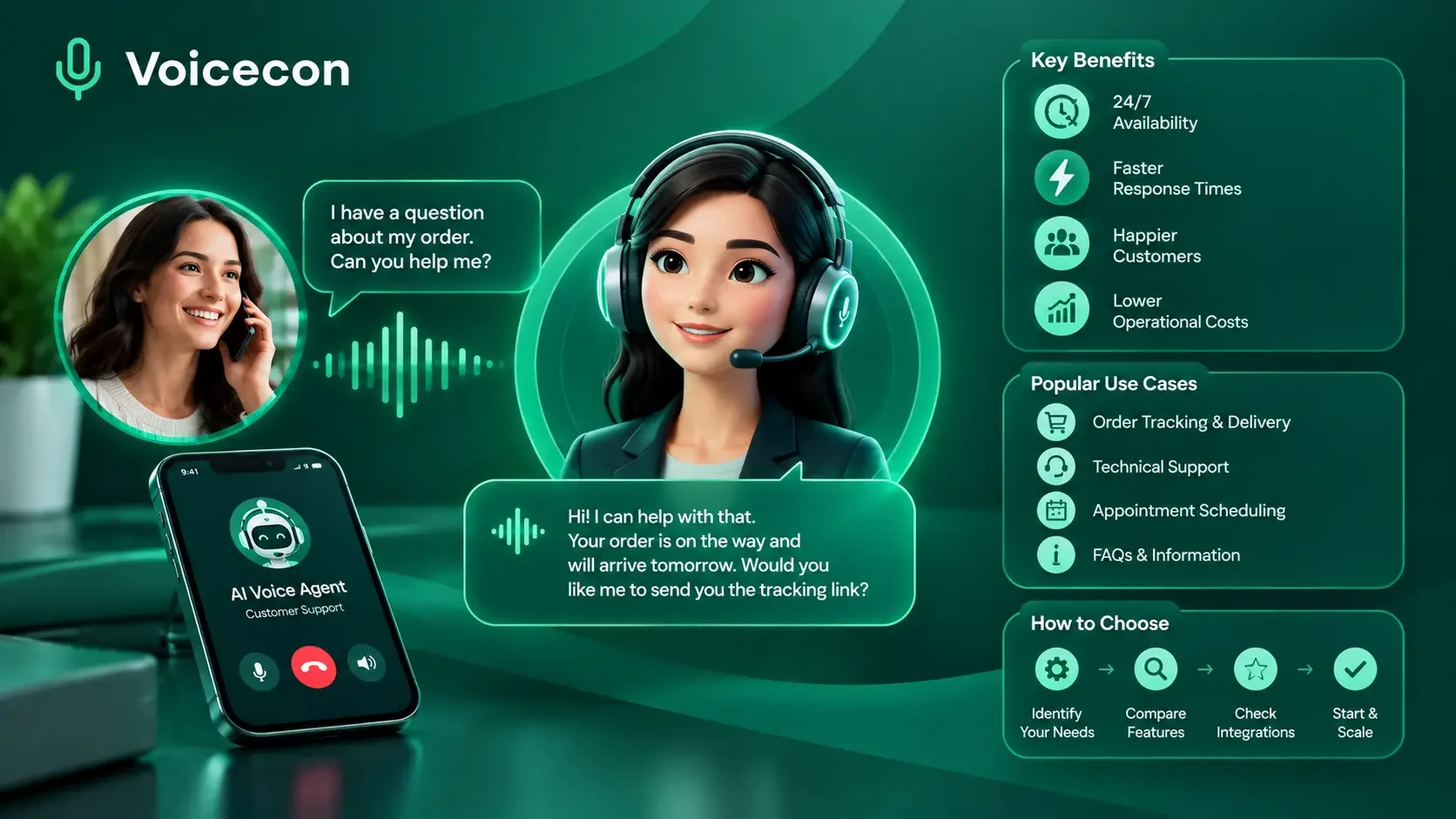 Guides
13 min read
AI Voice Agents for Customer Service: Benefits, Use Cases, and How to Choose
Discover how AI voice agents for customer service answer calls, automate support tasks, connect with CRMs, and hand complex issues to human agents. Try Voicecon AI Agents free for 7 days.
 Guides
13 min read
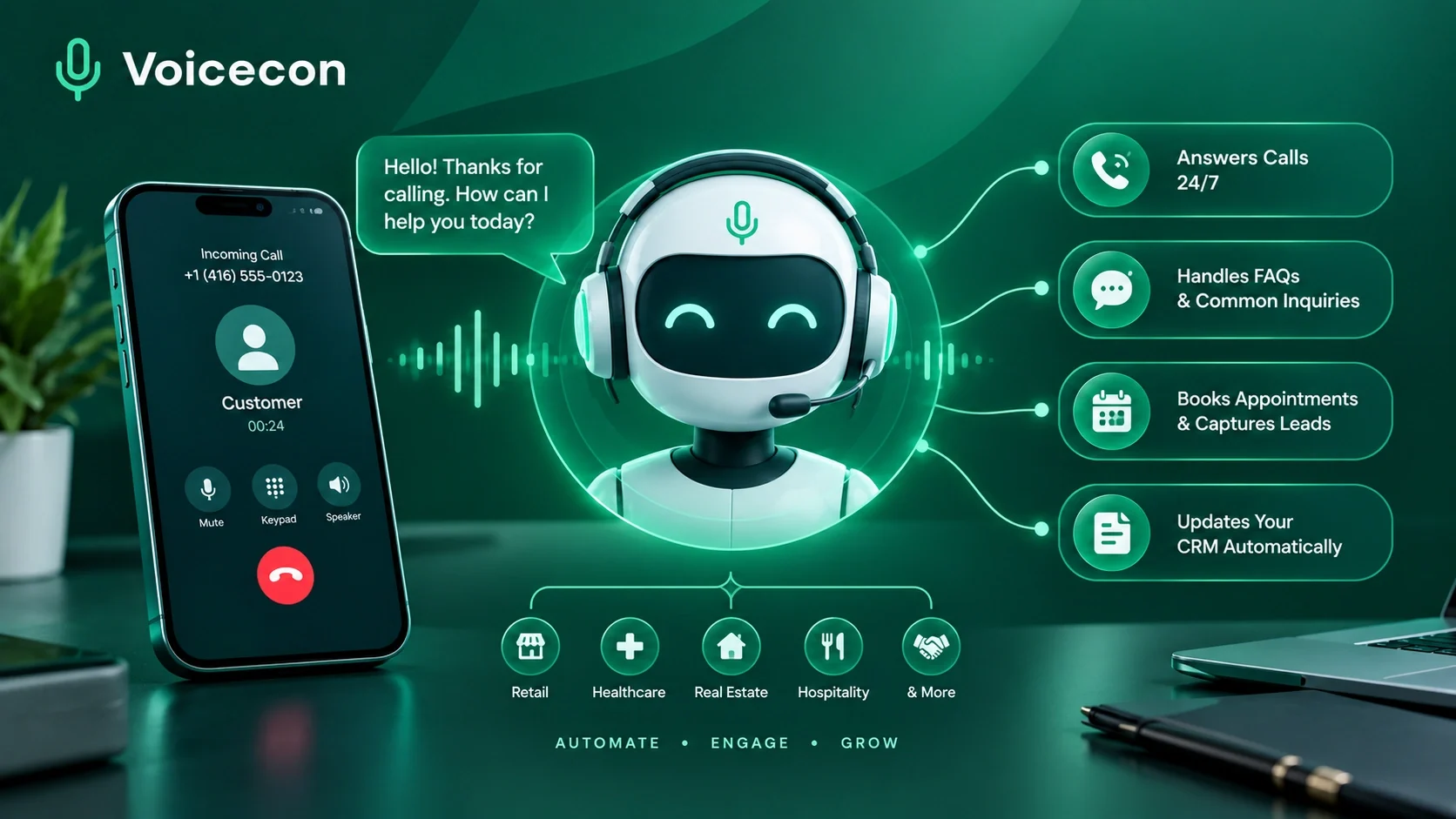
AI Answering Service: How Businesses Can Automate Calls with Voicecon AI
Never miss a customer call again with our AI answering services. Voice On AI answers your phone, chats with leads, handles routine tasks, and keeps your team in the loop.
 Guides
10 min read
Outsource Receptionist Services: A Complete Guide for Businesses of All Sizes
Discover how to outsource receptionist services, compare AI voice agents with virtual receptionists, and choose the right phone answering solution for your business.