










Guides10 min read
Conversational AI Assistant: How It Works and How Businesses Use It
Discover how conversational AI assistants work, automate business calls, qualify leads, book appointments, and connect with your CRM using Voicecon AI.
Voicecon lets you build voice agents that talk with your callers in real time, answer from your own documents, and then update your CRM, book the meeting or alert your team through 35 connected apps.
Your agents take action in the tools your team already uses
Most voice bots stop when the call ends. Voicecon connects the conversation to the systems where your work actually happens.

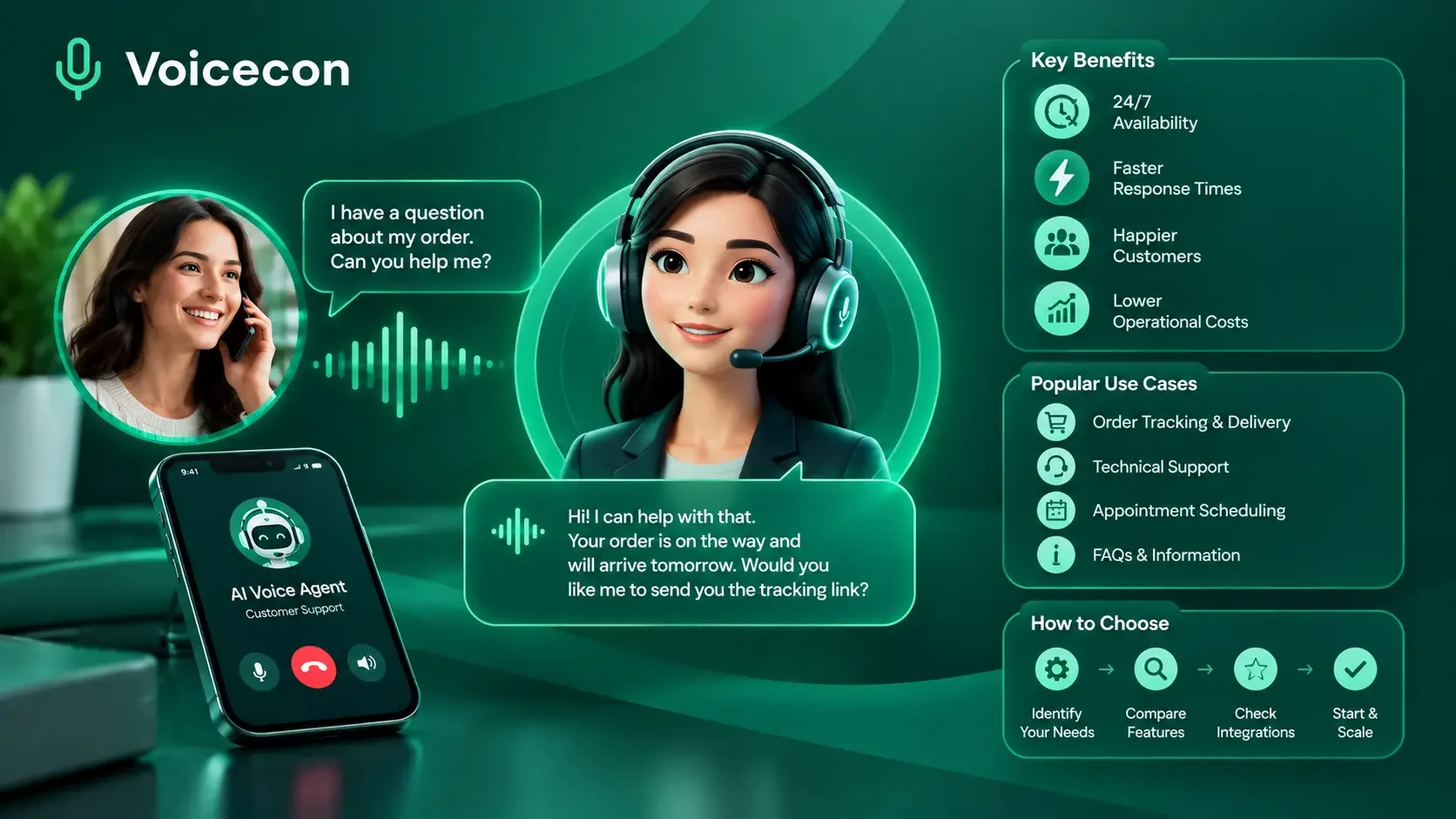
Callers speak naturally and your agent answers in a lifelike voice. They can interrupt mid-sentence, and it listens, keeps the context and replies.

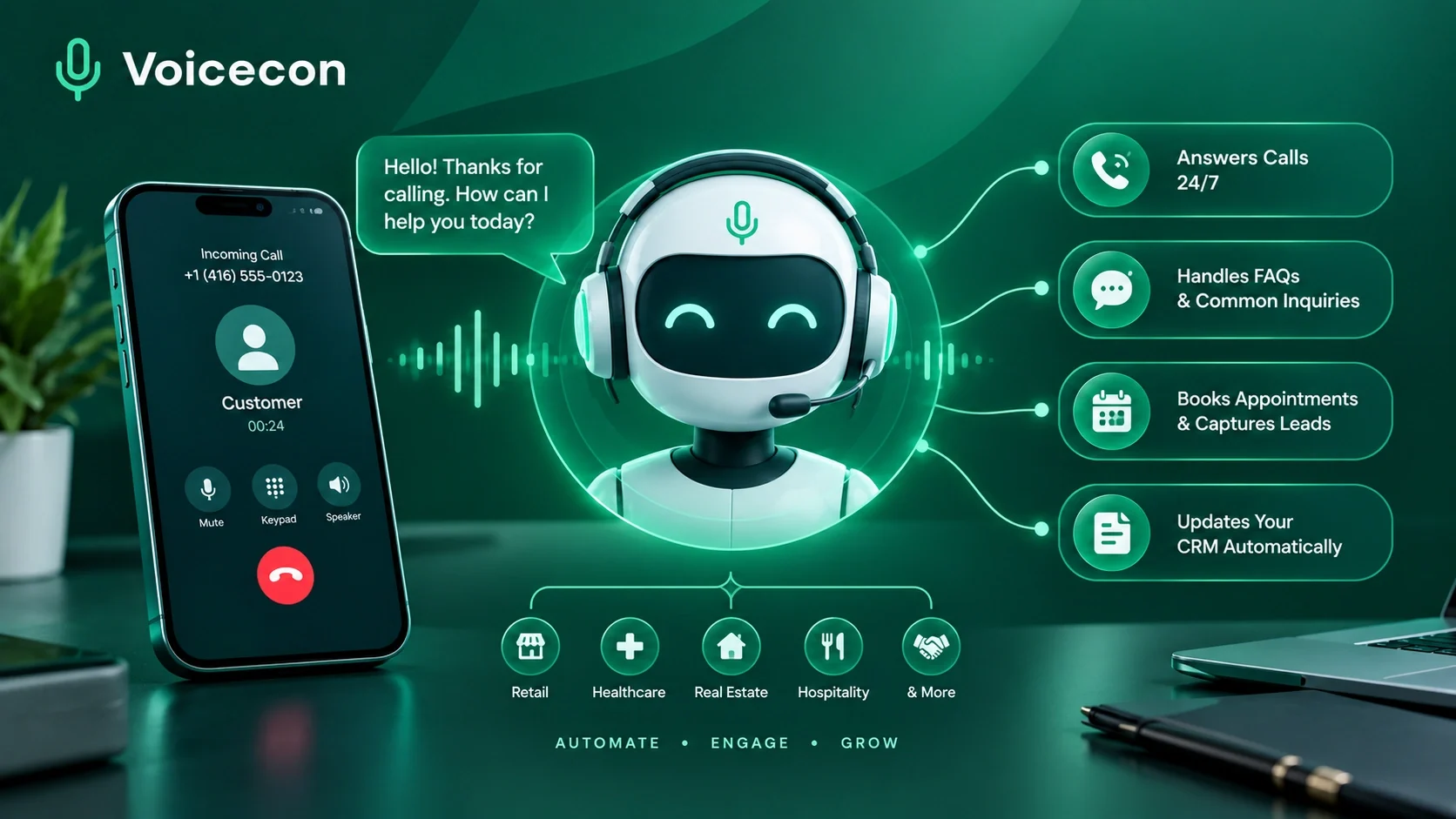
Your agents do more than talk. During the call they transfer, text or look things up, and when it ends a workflow updates your CRM, books the meeting or alerts your team.
Take a look at the Voicecon workspace your team will use every day.
Set the prompt, model, voice and transcriber, link knowledge bases, then call your agent straight from the browser to hear how it sounds before it goes live.
From the first prompt to the monthly report, Voicecon covers building, deploying and improving voice agents in one dashboard.
Write the prompt and first message, then pick the model, voice and transcriber. Start from a ready-made template for support, sales, scheduling, order status or lead capture.
Lay out the conversation on a canvas: greet, ask questions (by voice or keypad), branch on the answer, transfer or end the call.
Upload PDFs, Word files, spreadsheets, CSV, JSON, Markdown or plain text. Agents search them to answer with your facts, not guesses.
Search and buy numbers by country and area code, or bring your own Twilio or Telnyx account. Assign a number to an agent and it answers calls.
Let agents transfer calls, press keypad tones, leave voicemails, query a knowledge base or run a workflow in the middle of the conversation.
Every call is saved with its recording and full transcript. You also get an AI summary, sentiment score, intent and a cost breakdown.
Track total calls, average duration, success rate and cost. See call outcomes, sentiment trends and your top agents, then export to CSV.
Put the same agent on your website with one script tag. Set the greeting, colours and position to match your brand.
Invite teammates as owners, admins, members or viewers, run several workspaces, and create scoped API keys for your own systems.
Tune barge-in, silence timeouts, maximum call length and end-call phrases for each agent.
No code or telephony setup required. Guided onboarding gets you from sign-up to your first test call.
Start from a template or a blank agent. Write how it should behave, choose its voice and set the first thing it says.
Upload your policies, price lists and FAQs to a knowledge base. Add tools so it can transfer, text or run a workflow.
Test the agent in your browser, then buy a number or connect your Twilio or Telnyx account and assign it.
Trigger workflows when calls end, then use transcripts, summaries and analytics to refine the prompt.
Build automations on a visual canvas. Branch on what the caller said, let AI write the follow-up, and push the result into your apps. Every run is logged step by step.
Start from a template
Conversation
Logic
Actions & AI
Call completed
Runs automatically when one of your agents finishes a call
Schedule
Every N minutes, daily, weekly, monthly or cron, in your timezone
Webhook
A unique URL your website, form or backend can post to
Manual
Run it on demand, or let an agent call it as a tool
$ curl -X POST \
https://api.voicecon.ai/api/v1/workflows/webhook/{key} \
-H "Content-Type: application/json" \
-d '{"phone": "+14155550142"}'Connect an app once and use it everywhere: as a tool during calls or as a step in a workflow. Popular apps like HubSpot, Google, Slack and Notion connect in one click with OAuth.
One-click OAuth for 10 popular apps, with API keys or webhook URLs for the rest.
Need something else? Call any REST API with an HTTP request step.
Connections are shared across the workspace, so set them up once.
See every action each connector supports in the integrations catalog.
Each use case has a ready-made agent template, so you start from a working setup instead of a blank page.
Support teams, e-commerce, SaaS
On the call
Sales teams, agencies, real estate
On the call
Clinics, salons, home services
On the call
Retail, restaurants, logistics
On the call
Start free for 7 days. Choose a plan when you are ready to go live.
For a solo business owner who wants every call answered.
$59/ month
Billed monthly
Get startedFor clinics, salons and restaurants handling calls all day.
$179/ month
Billed monthly
Get startedFor sales teams running high call volume.
$349/ month
Billed monthly
Get startedFor agencies and resellers serving many clients.
$499/ month
Billed monthly
Get started$0 for 7 days
Build and test a working agent before you pay.
$0.29 / minute
No monthly fee. Add credit and pay only for the minutes you use.
Custom
For high call volume and regulated businesses.
Prices in USD. Minutes past a plan's allowance are billed at its per-minute rate. Pay As You Go has no allowance: every minute is paid from credit you add. Secure checkout by Stripe, and promo codes are applied at checkout.
Guides, playbooks and product news on AI voice agents and the workflows around them.
Can't find what you need? The documentation covers every feature step by step.
Start from a template, test it in your browser and connect a number when you're ready. 7 days free, no credit card.